In lane Planning & Budget
Understanding Cricut Design Space for Your Wedding DIY Projects
Description
Equip yourself with essential insights about Cricut Design Space to maximize your DIY wedding projects and minimize stress.
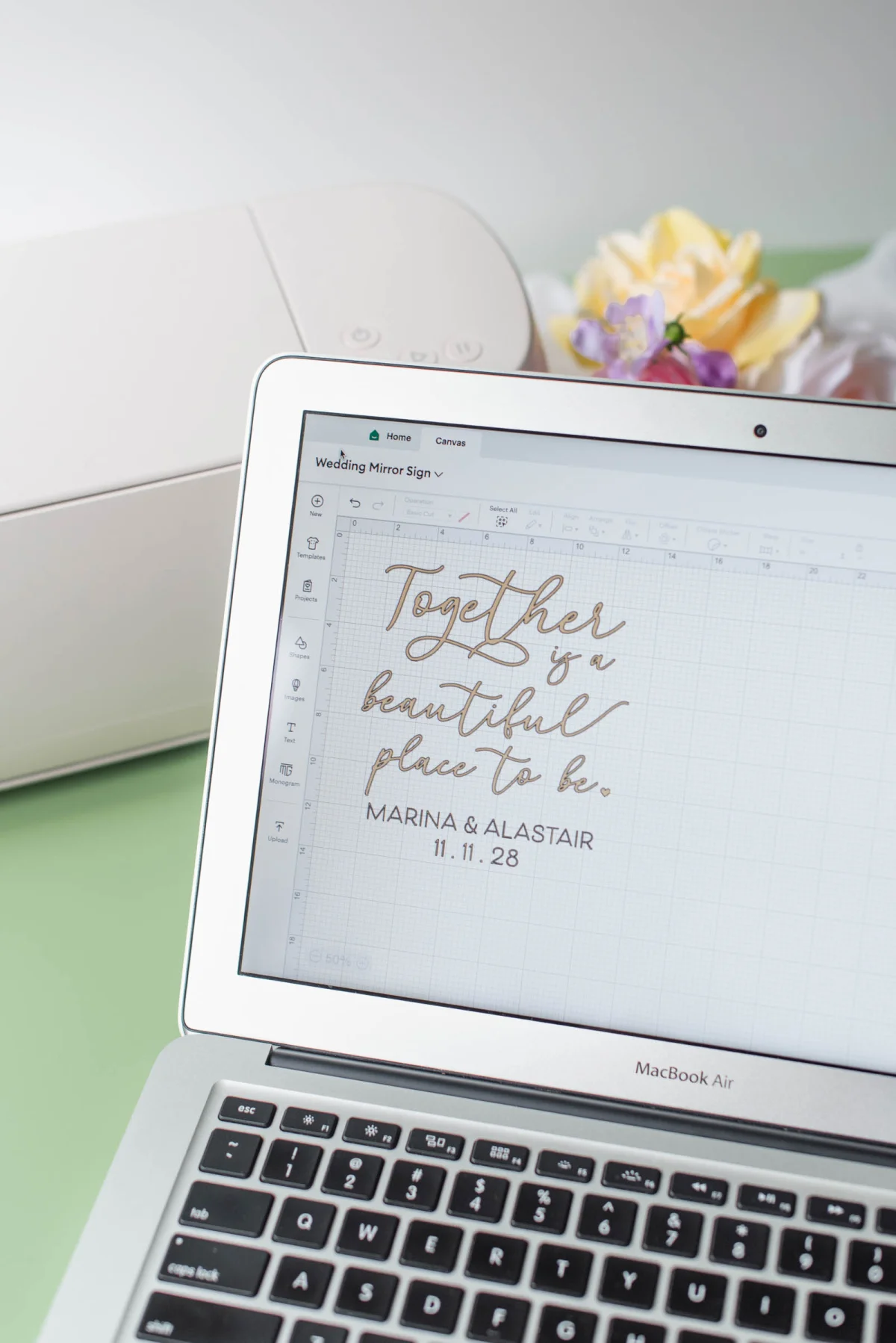
If you’ve been immersed in wedding planning via Pinterest, Google, or TikTok, you’ve likely come across beautiful fabric welcome signs, personalized table numbers, and custom favor tags. Much of this inspiration stems from the capabilities of a Cricut cutting machine.
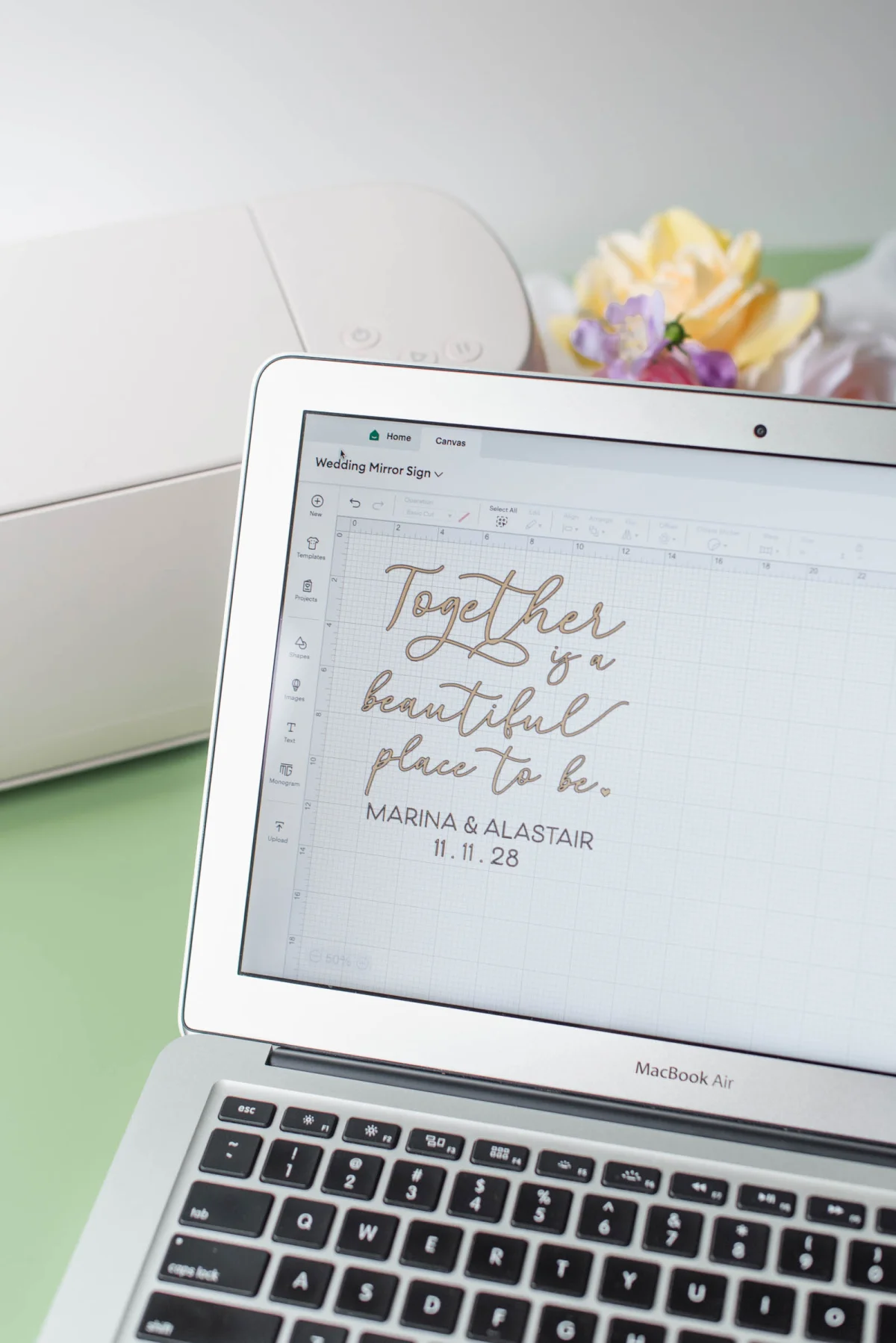
The appeal of adding a Cricut to your wedding prep is strong. You might think, “This will enable me to create half my wedding decor and save significantly.” While a Cricut can certainly help realize your DIY dreams, it’s crucial to grasp one critical aspect before jumping in: Cricut Design Space.
Cricut Design Space is the software integral to operating your Cricut machine. It allows you to upload designs, add text, resize elements, and ultimately prepare each wedding project before cutting. After years of experience creating wedding projects with Cricut and observing how Design Space has evolved, it’s evident that many beginners face frustrations primarily due to a lack of understanding of the software, not the machine itself.
If you assume Cricut will function like a home printer—simply push a button and walk away—you might find disappointment. Effective use of Cricut Design Space is the key to enjoying a stress-free DIY experience and avoiding wasted materials and unnecessary frustration. Before deciding whether a Cricut is right for your wedding, here’s everything engaged couples should know about Cricut Design Space.
1. Is Cricut Design Space Free?
If you’re asking whether there’s a cost associated with Cricut Design Space, the straightforward answer is: No, Cricut Design Space is entirely free to download and use, as it’s the only software that operates your Cricut machine.
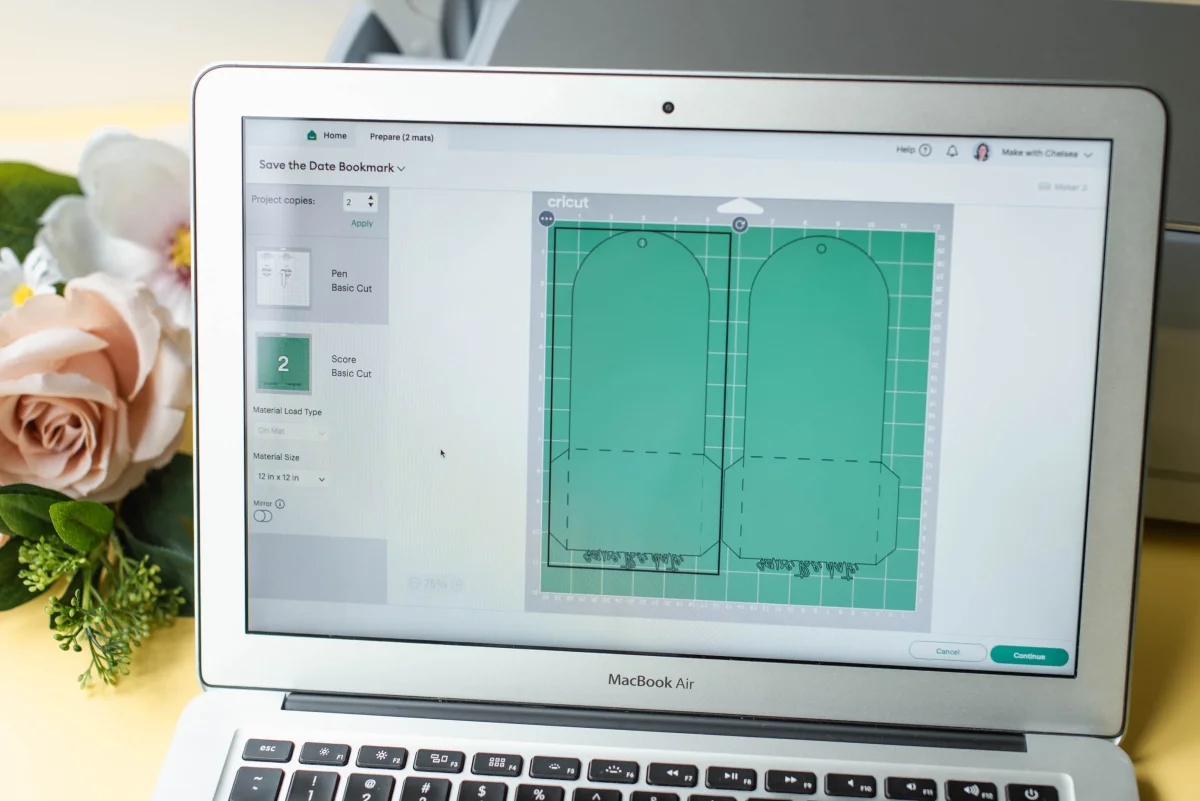
The confusion often arises during the machine setup. Cricut heavily promotes Cricut Access, their subscription service priced at $9.99/£7.49 per month for the standard plan. When you first open Design Space, you might see pop-ups encouraging you to sign up, leading many anxious DIYers to think they must pay a monthly fee just to operate their new machine. However, this subscription is entirely optional—you can jump into creating with Cricut Design Space right away! Here's a breakdown:
What You Get for Free:
- The Software: Downloading Design Space on your computer, phone, or tablet comes at no cost.
- Machine Operations: All operations for cutting, drawing, etc., of your Cricut are free.
- Upload Your Own Designs: You can upload unlimited .svg, .png, and .jpg files at no charge, including custom illustrations or pre-purchased cut files.
- Use Installed Fonts: Utilize any font already on your device without additional costs.
- Limited Free Images: While Design Space does offer a small selection of images, shapes, and fonts that are free, you may find these less practical for wedding themes.
What Cricut Access Provides:
- Extensive Library: Access over 1,000 fonts and hundreds of thousands of images and projects created by Cricut and contributing artists, all labeled clearly within the app.
- Discounts: Enjoy a 10% discount on Cricut's website.
- Quarterly Coupon: Receive a $10/£10 coupon for Cricut.com every three months.
Should You Opt for the Subscription?
For roughly 95% of DIY wedding enthusiasts, the answer is no. Most couples opt for unique typography and hyper-personalized logos, which may or may not be available with Cricut Access. Generally, you’ll likely find fonts on websites like DaFont or Etsy and design materials in tools like Canva.
Since Design Space permits uploads of external files and allows the use of system fonts for free, most couples will find that they’re better off saving that monthly fee for their crafting budget instead.
✎ EXPERT TIP: If you spot a specific image in Design Space that you adore, remember that you don’t need a full subscription! You can purchase individual graphics as needed. Additionally, images tagged with a purple-and-white star support independent artists, which is a great way to back creative professionals!
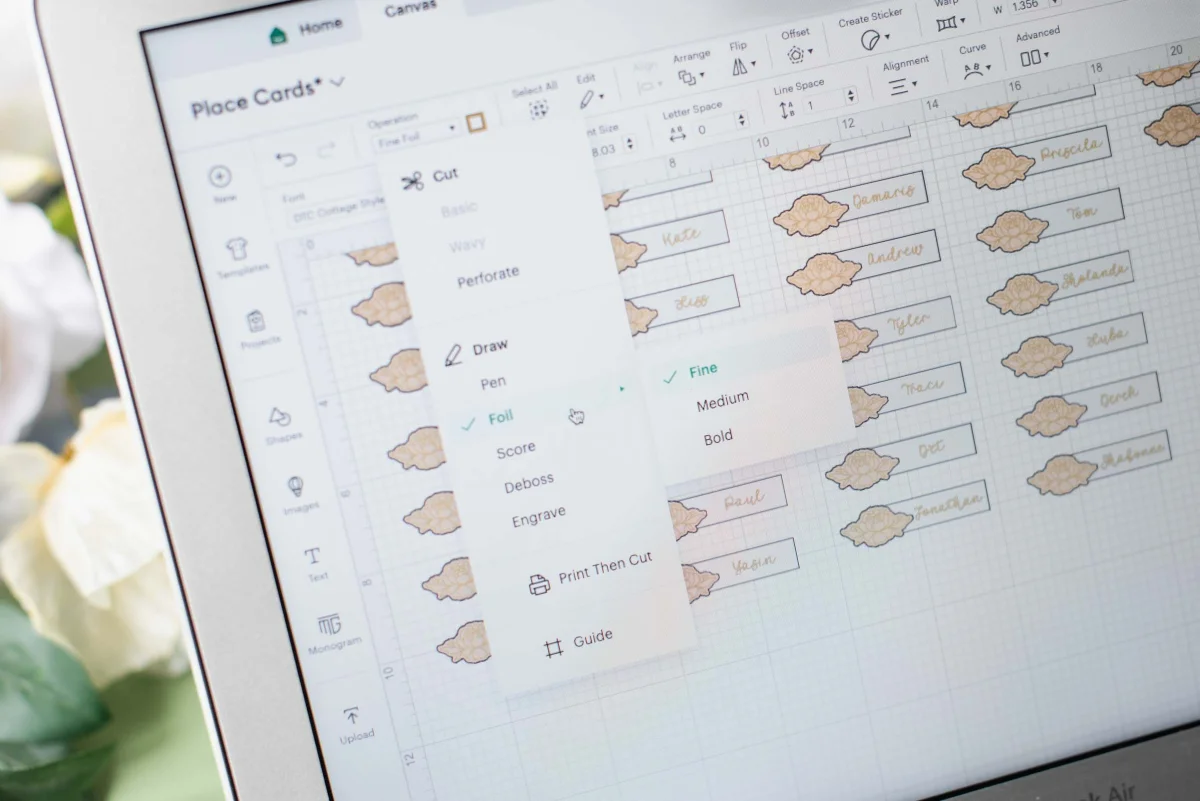
In summary, you don’t need Cricut Access to successfully use your machine. For personalized wedding projects using your own fonts and SVG files, Cricut Design Space as it stands is typically all you’ll need.
2. Ideal Devices for Cricut Design Space
Picture this: you’ve purchased your Cricut, gathered all your supplies, and set aside time to create your seating chart… only to find out your device doesn’t meet the minimum system requirements. This scenario is more common than you might think! Because Cricut Design Space hinges on your device communicating effectively with the Cricut machine, ensure your hardware is up to date.
Compatible Devices for Cricut Design Space
To craft invitations, seating charts, and other wedding projects using Design Space, you should have:
- Windows Laptop or Desktop
- Mac Desktop or Laptop
- Apple iPad or iPhone
- Android Tablet or Phone
Modern computers, tablets, and smartphones bought recently typically run Cricut Design Space effortlessly, provided they meet the system requirements. If you own a Chromebook, note that Design Space isn't supported, so alternate equipment will be necessary. For current system requirements, check Cricut's Help page.
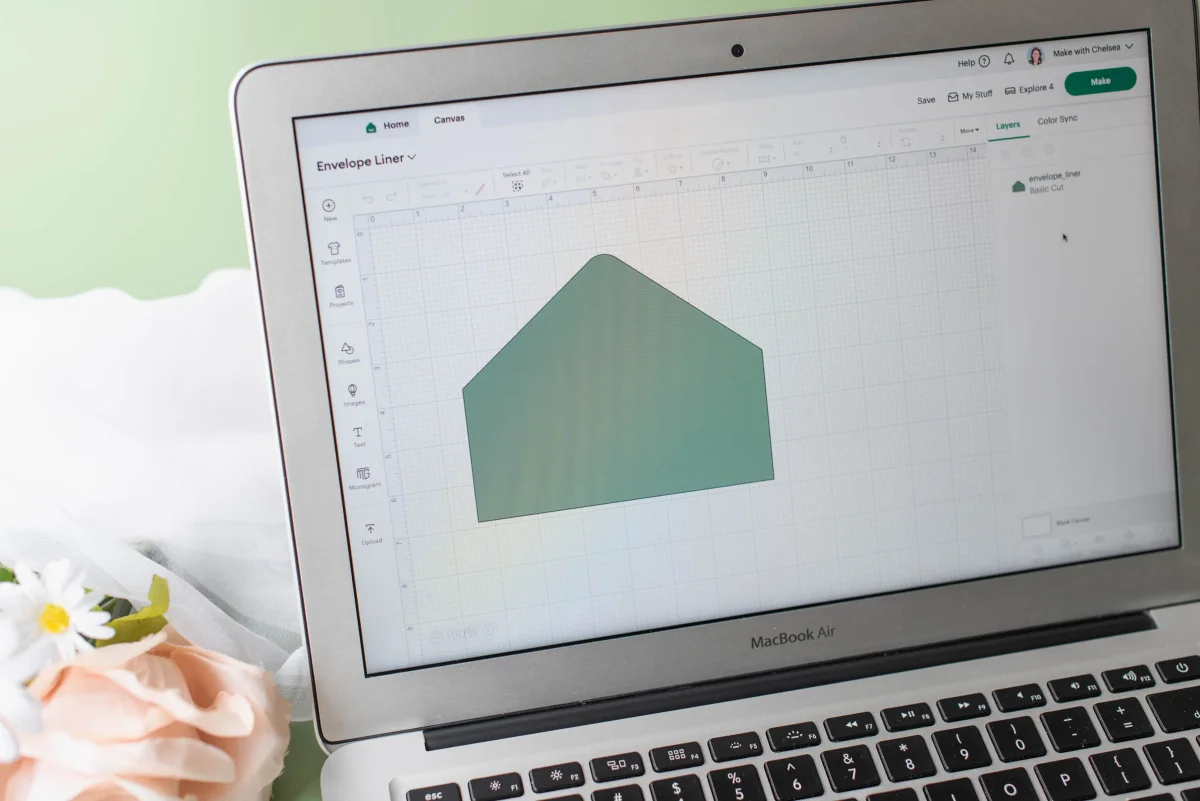
✎ EXPERT TIP: You don’t need a Cricut to download and start exploring Design Space! Familiarize yourself with the software's layout and tools before your machine arrives. This preparation will allow you to dive directly into your first project once it’s in hand!
3. Do You Need Design Skills for Cricut Design Space?
One of the biggest misunderstandings surrounding Cricut Design Space is the belief that it functions as a full-fledged graphic design tool. It’s not. Instead, approach Design Space as an assembly canvas meant to facilitate existing graphics, layout text, adjust sizes, and command your machine to cut.
Creating from Scratch vs. Using Ready-to-Cut Files
Designing from Scratch: If you can create your own designs and convert them to Design Space-compatible formats, you’ll need to use graphic design software like Canva, Procreate, or Photoshop. Upon completing your design, it will be uploaded to Design Space for cutting.
Sourcing Pre-Made SVGs: Most DIY enthusiasts purchase SVG cut files from external sources and import them into Design Space. Unlike JPG or PNG files, SVGs remain high quality when resized, allowing for smooth transitions between small favor tags and large welcome signs. Upload them, size accordingly, and click “Make It!”
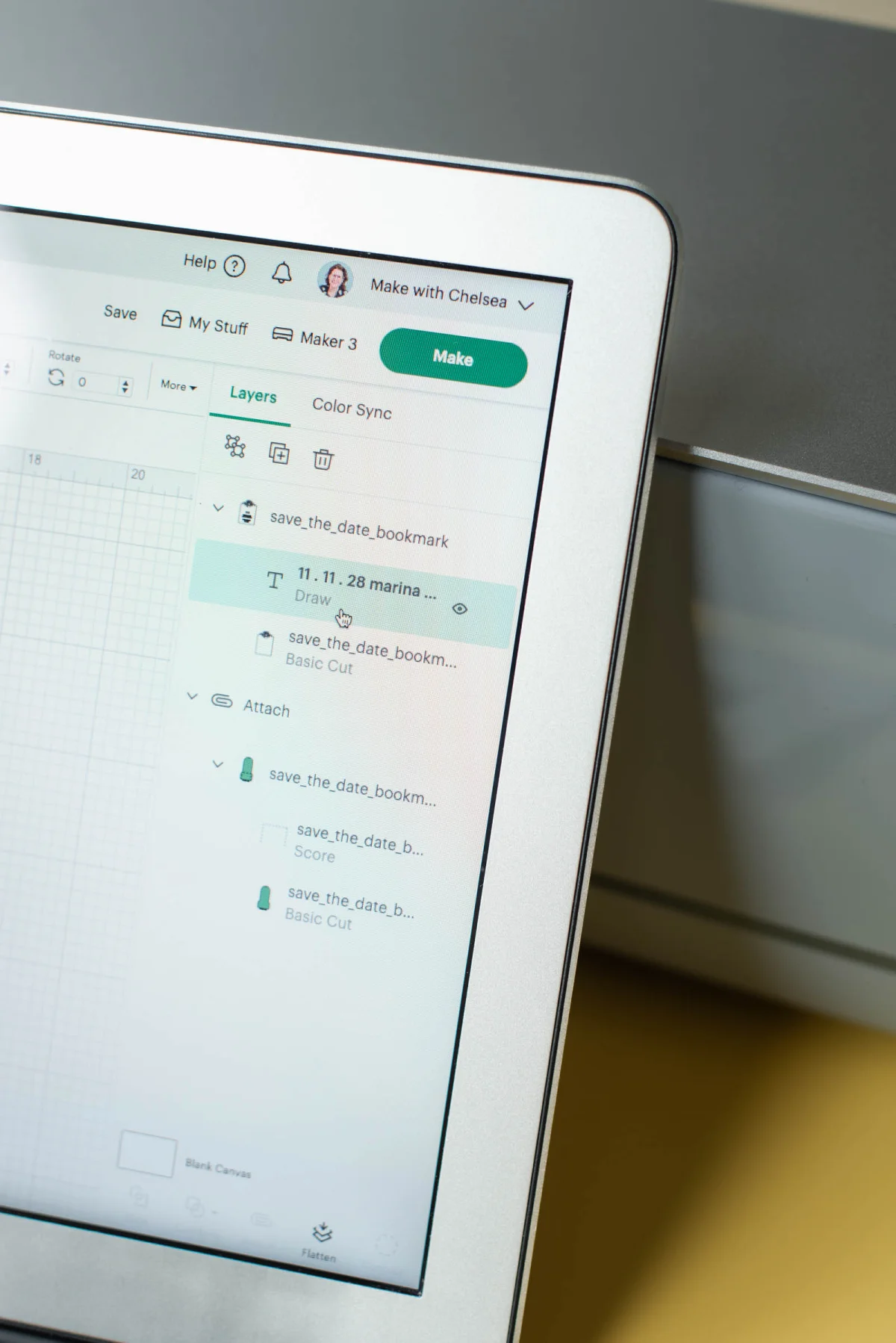
Where to Source Beginner-Friendly Wedding SVGs
Though SVGs are availableily across various platforms, ensure the files you select are explicitly Cricut compatible. That’s why we created the Tidewater and Tulle DIY Studio Shop—an online repository for modern and professionally designed wedding SVGs tailored for engaged couples. Our files, made with expertise and tested by Cricut artists, eliminate tech headaches, allowing you to focus on the fun creative aspects of crafting.
DON’T OVERTHINK IT: Your goal as a wedding DIYer is to assemble, size, and cut your creations. Finding ready-made SVGs means accessing beautifully designed wedding signage without needing a design background.
While Design Space offers basic editing tools, it’s not a substitute for dedicated graphic design software. It primarily aids in arranging and prepping projects for cutting.
4. Connecting a Cricut to Design Space
When you’re deep into wedding preparations, the last thing you want to deal with is equipment issues. Thankfully, linking your Cricut to Design Space is generally simple and quick. Your Cricut connects via either a USB cable directly to your computer or through Bluetooth for wireless capability.
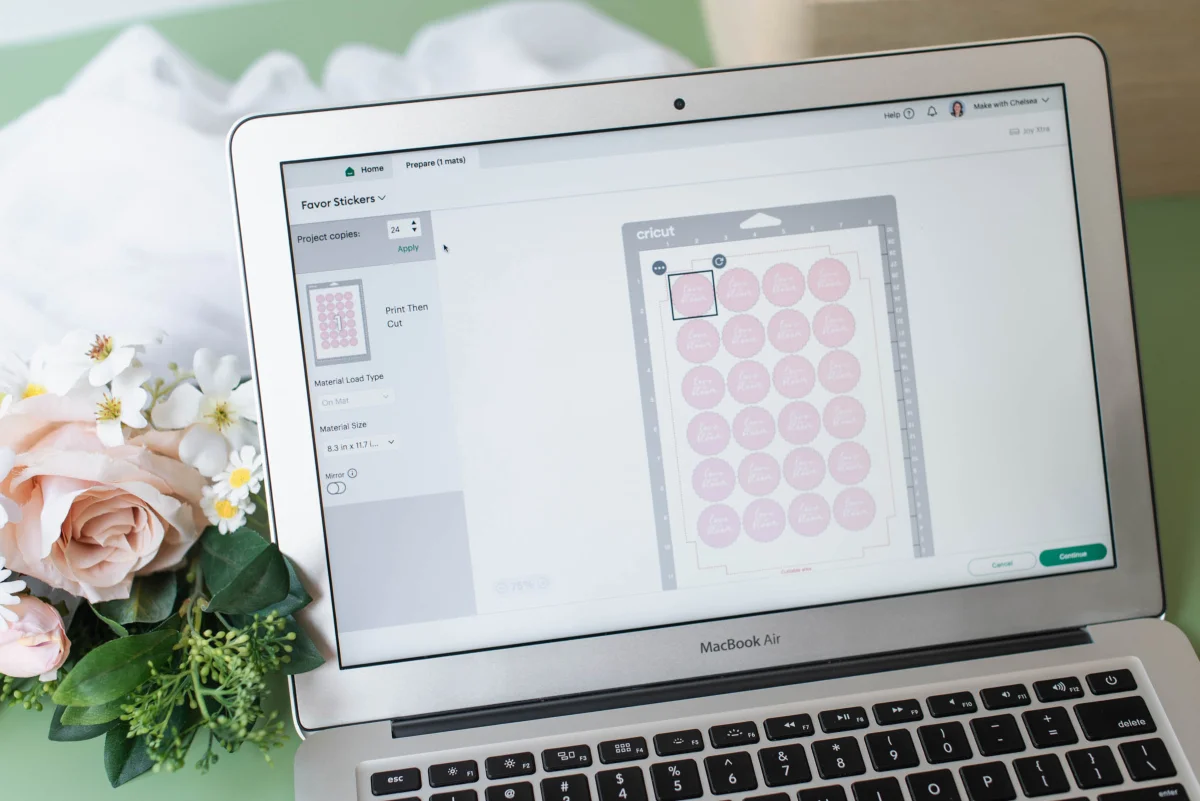
Only Bluetooth machines include settings for the Cricut Joy, while both Explore and Maker machines provide options for both connections. Note that Explore 5 uses a USB-C cable rather than the older cables, and one will be included in your package.
A stable internet connection is essential for using Design Space. Although it offers offline mode, experiences suggest that it may not be reliable enough for quickly approaching deadlines. For tasks such as wedding invitations and welcome signage, maintain a reliable internet connection to streamline your crafting process.
Final Thoughts Before Purchase
At first glance, Cricut Design Space may appear daunting, but most newcomers find that it’s less complicated than anticipated once they grasp the essentials. Its primary purpose is to relay directions to your Cricut machine. Familiarizing yourself with how it operates before investing in your machine will save you time and enhance your creative journey.
Ready to boost your confidence? Explore our guide on the 5 Design Space Essentials to learn the basic features that will simplify every wedding project.

WRITTEN BY
Chelsea Barton
Founder & Wedding DIY Expert
A former wedding photographer, owner of Tidewater and Tulle, and author of Cricut Weddings, Chelsea Barton has dedicated herself to helping couples actualize their dream weddings through creative and realistic ideas since 2009. Her insights are featured in various reputable publications worldwide, merging editorial expertise with real-world insights that inspire meaningful celebrations.
PHOTOGRAPHY CREDITS
Photography: Chelsea Barton from the Cricut Weddings book
Editor's Note: Some above product links may be partner-connected, meaning purchases support the website. Review our full affiliate disclosure policy.