In lane Planning & Budget
Choosing the Right Printer for Your Wedding DIY Projects
Description
Discover how to select the perfect printer for DIY wedding projects, focusing on essential features, types of printers, and cost-effective options.
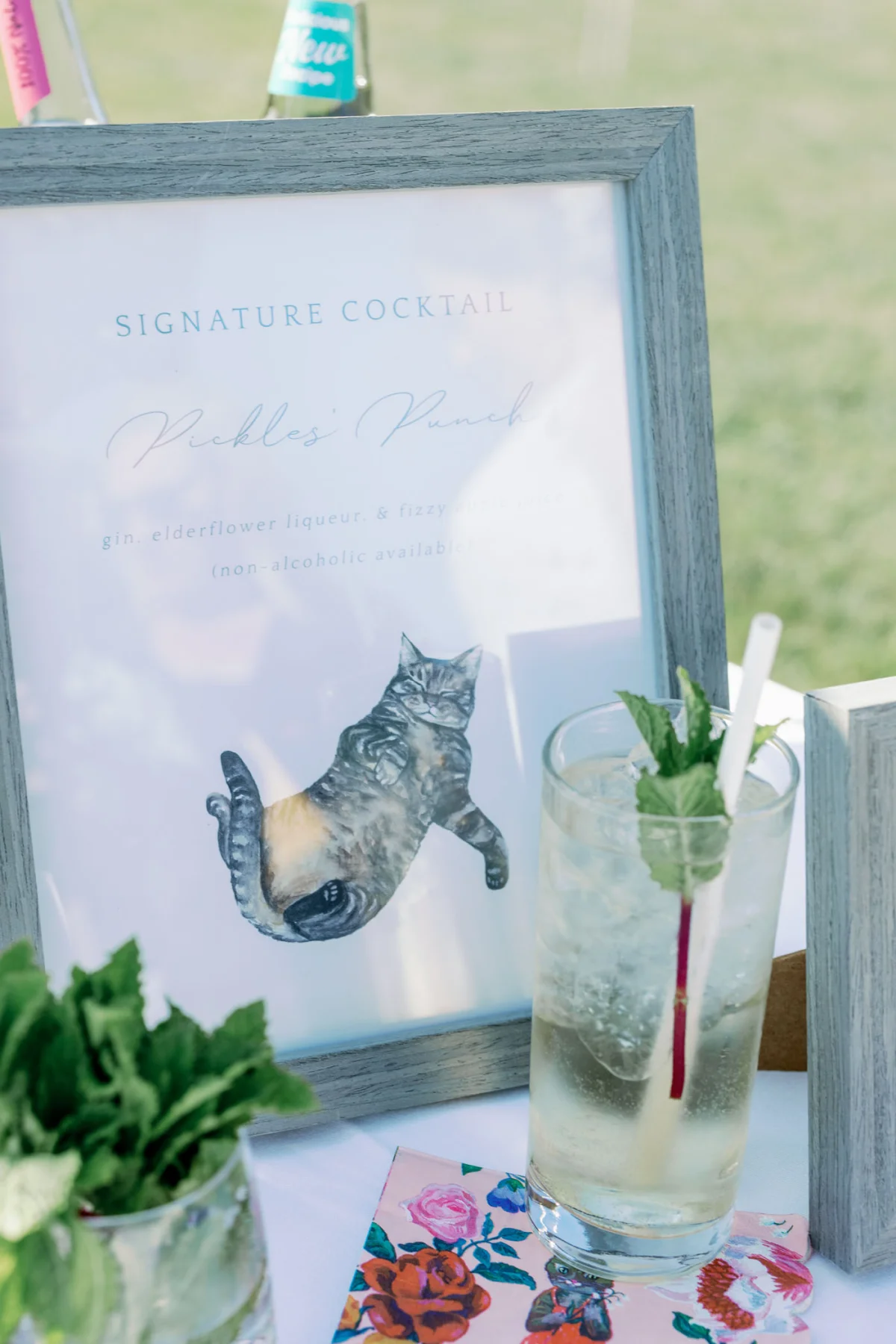
Deciding to create some of your own wedding stationery can be incredibly fulfilling. From crafting beautiful invitations to personalized favor tags and custom reception signage, there's much satisfaction in bringing your wedding vision to life. However, before you dive into design software and start printing, there's one pivotal element that can significantly impact your projects: the printer.
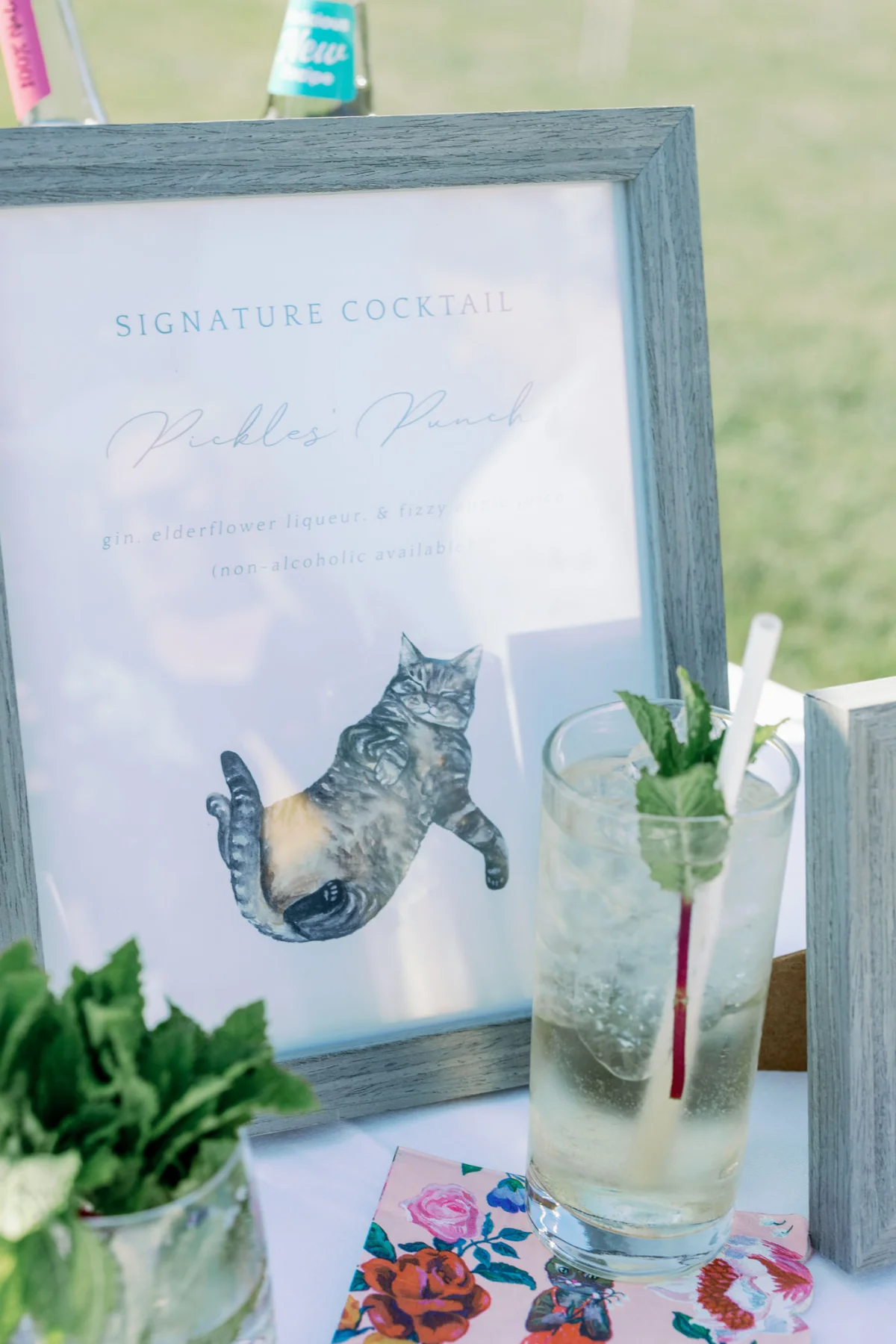
If you've attempted to use a standard home printer with heavier cardstock, you're likely familiar with the frustration of paper jams and smudged prints. Traditional home printers are typically designed for lightweight paper, not the luxury cardstock or special materials often needed for wedding projects. In this guide, we'll detail the essential features to consider when selecting a printer for your wedding DIY tasks, ensuring that your printing experience is smooth and stress-free.
Understanding Printer Types: Inkjet vs. Laser
Your first decision when shopping for a printer is choosing between an inkjet and a laser printer. Both can produce appealing prints, but the right choice hinges on your specific needs.
Inkjet Printers: Ideal for Most Wedding DIY Projects
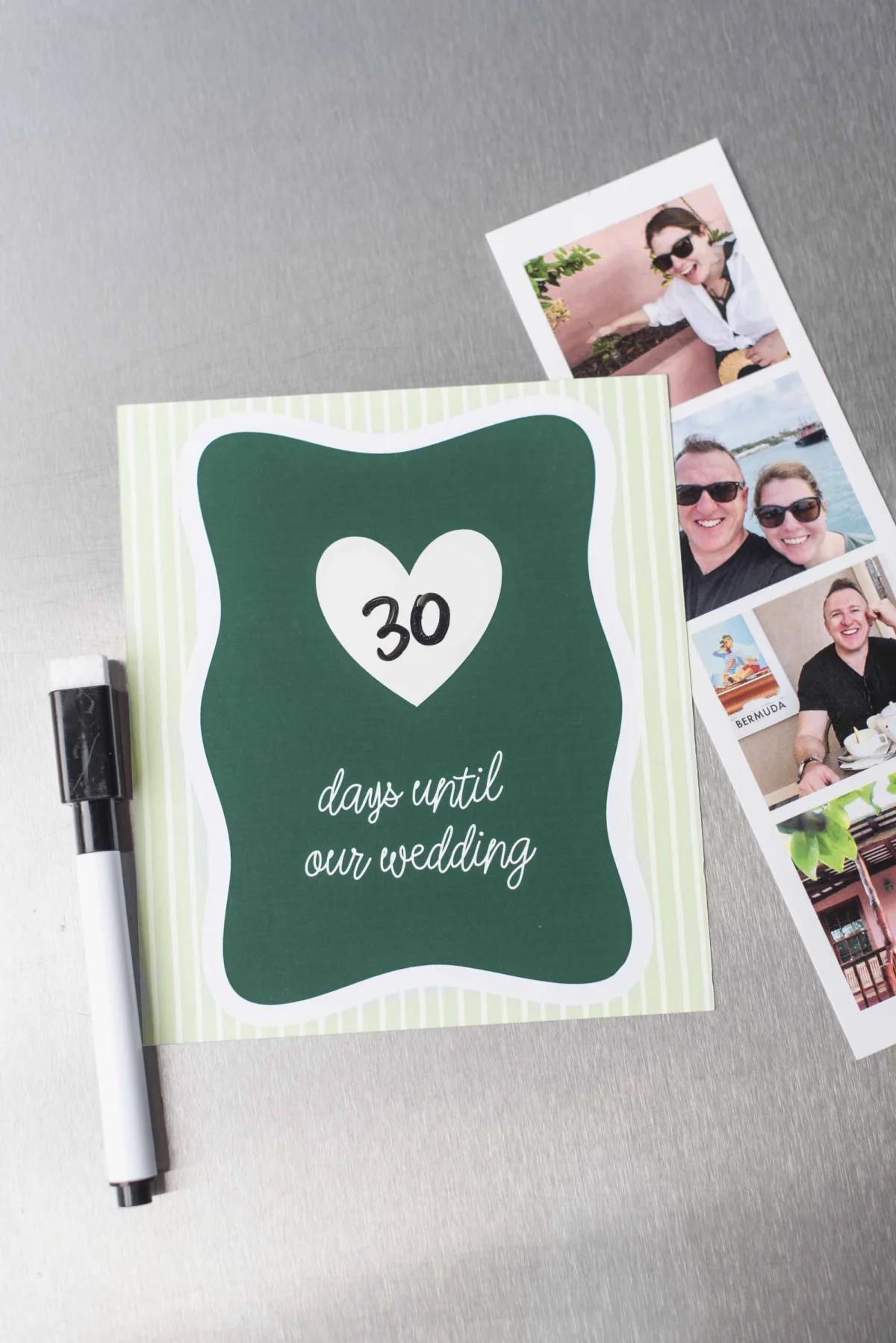
For the vast majority of couples opting for at-home wedding printing, an inkjet printer will be your best ally. Inkjet printers deposit micro-droplets of liquid ink onto paper, which results in stunning color blending and impressive detail—making them perfect for colorful illustrations and photographs.
Versatility with Paper and Materials
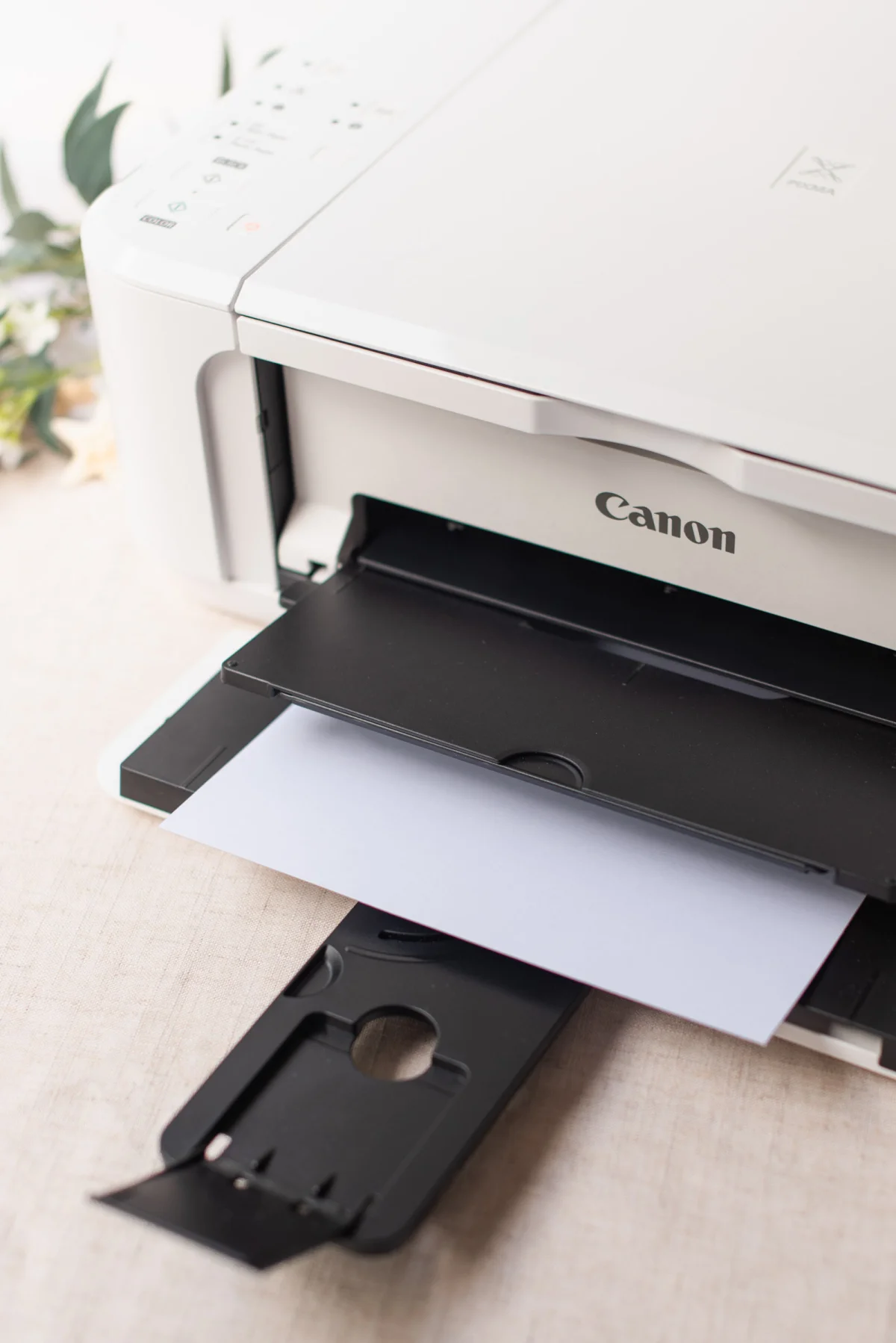
An advantage of inkjet printers is their ability to handle a variety of materials. They work well with textured cardstock, sticker paper, vellum, and even magnet sheets, allowing for creativity in your wedding crafts.
Cost-Effective Choice
In addition to their usability, entry-level inkjet printers are typically affordable, providing excellent print quality without maxing out your wedding budget. They serve well for both wedding-related projects and everyday tasks afterward.
Laser Printers: When to Consider
Labeled as the choice for crisp black text, laser printers utilize heat to bond toner onto paper. While they are indeed faster and produce sharp, deep text, they may come with certain limitations for crafting.
Specific Use Cases for Laser Printers
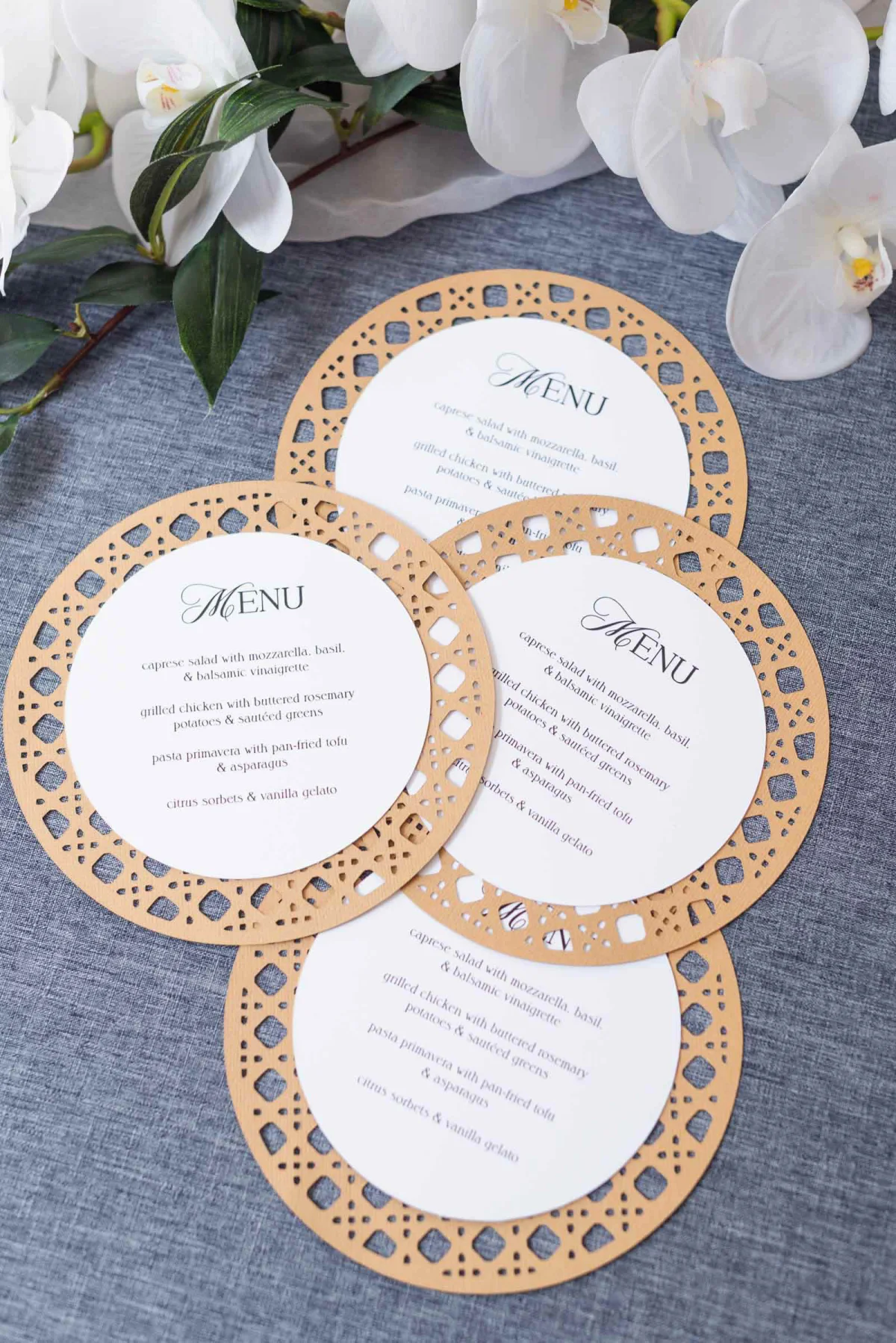
If your invitations call for foil stamping, a laser printer is necessary. Foil applications require heat-activated toner, available only in laser printers. They're also recommended for printing pages that need bold, all-black text, such as ceremony programs.
Limitations of Laser Printers
However, entry-level laser printers can struggle with substantial cardstock. Their internal mechanisms may warp thick papers and often lack the top-loading options vital for ensuring smooth handling of heavier materials.
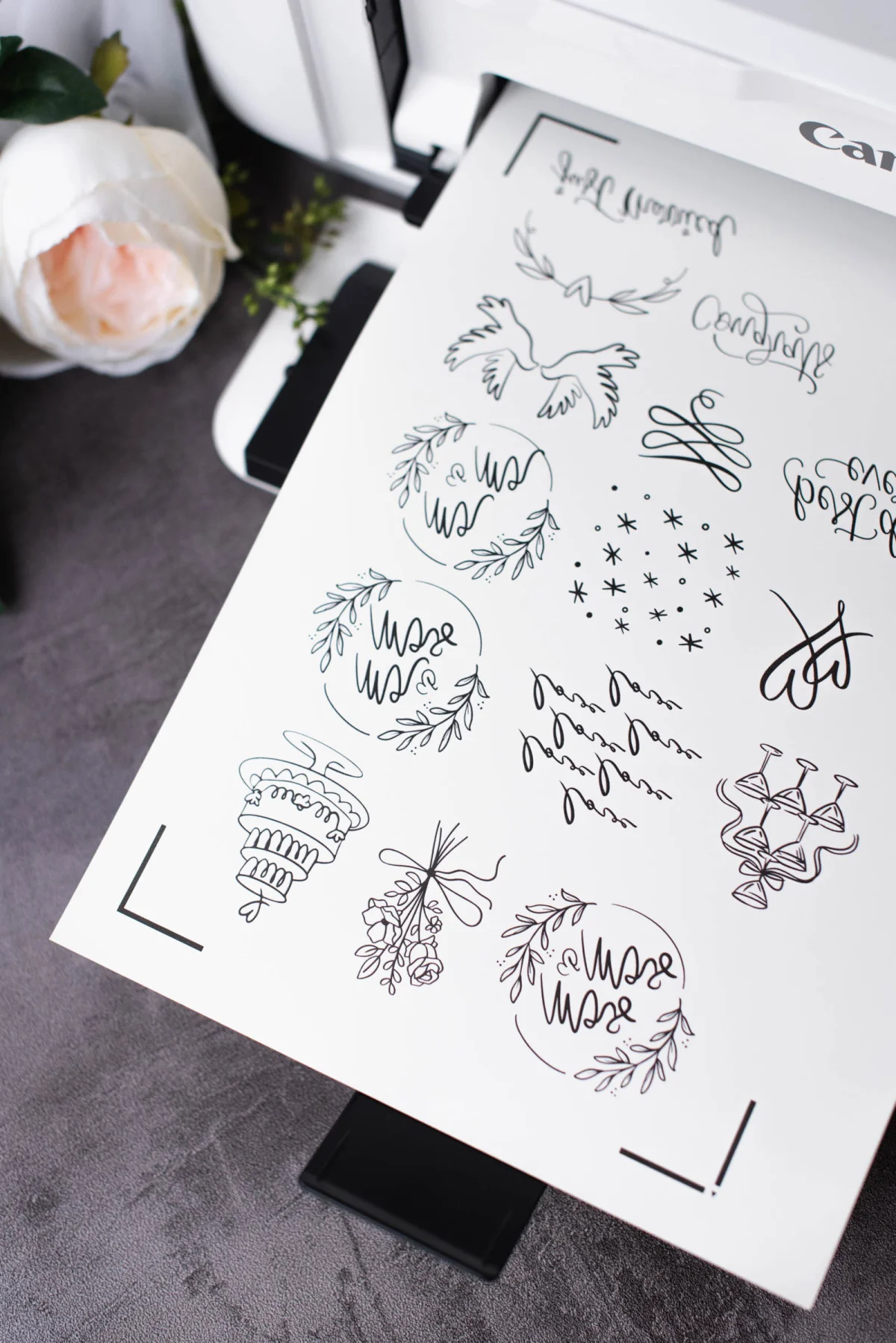
TL;DR - Expert Tip: Unless you're specifically set on doing foil transfers, stick with an inkjet printer for versatility, superior paper handling, and vibrant color reproduction on wedding materials.
Key Printer Features You Should Know
1. Paper Weight Capability
Paper weight capacity is a crucial specification to consider. There's nothing worse than investing in beautiful 110lb (300gsm) cardstock only to find that your printer can't handle it. Be sure to consider the maximum thickness your potential printer can manage, as many entry-level models max out at just 68lb (220gsm).
Common Wedding Paper Weights
Here’s a quick breakdown of typical paper weights you might encounter:
- Standard Printer Paper (20–28lb / 75–100gsm): Best for basic exercises and draft prints.
- Medium Cardstock (65–80lb / 175–216gsm): Ideal for thank you cards, place cards, and printed programs.
- Heavy Cardstock (100–110lb+ / 270–300+gsm): The go-to choice for formal invitations, RSVP cards, menus, and standalone table numbers.
2. Paper Path & Feed Slots
How paper feeds through a printer can impact performance, particularly for thicker cardstock. Most printers have one of two types of feed systems:
Bottom Cassette Trays
Standard printers that rely on bottom trays may struggle with thick materials, leading to curled paper and missed prints. This design generally isn't ideal for heavy cardstock.
Rear Feed Slots
Models featuring rear feed trays allow for a straight paper path, minimizing bends, which are critical when printing on heavier paper types, specialty finishes, or thin vinyl materials. If you're planning on printing envelopes or similar items, rear feed is a must-have feature!

3. Ink Accessibility, Costs, and Auto-Subscriptions
Sudden “Low Ink!” messages mid-printing can disrupt your crafting timeline, so consider how ink fits into your project strategy before committing to a printer.
Things to Consider about Ink Costs
- Replacement Cartridge Prices: Prior to purchasing a budget printer, check the replacement ink costs; some may use small cartridges that run out quickly.
- Individual Color Cartridges: Opt for printers that use separate cartridges for individual colors; this approach can save money by allowing you to replace colors as they diminish.
- Availability of Cartridges: Ensure your preferred ink cartridges are easily available to avoid delays.
Auto-Replenishment for Busy Couples
Setting up ink subscriptions like HP Instant Ink or Canon Auto-Ink Delivery can be revolutionary for busy couples managing wedding tasks. These services monitor ink levels and send replacements to your door, removing the anxiety around running low.
Top Three Printer Brands for Wedding DIY
Here’s a brief rundown of leading printer brands favored in the wedding crafting community:
Canon
Canon is widely preferred, especially for its PIXMA series. Known for reliable performance and vibrant colors, look for models equipped with rear manual feed slots and a multi-cartridge system. The Canon Pixma iX6820 is recommended for its wide-format capabilities and affordability.
Epson
Celebrated for color accuracy, Epson’s EcoTank line features high-capacity ink tanks that reduce running costs. However, check specifications concerning the handling of heavier cardstock, as not all models may be equipped for this purpose.
HP
HP offers accessible, user-friendly printers with superb integration of auto-ink delivery services. However, be cautious as many entry-level options primarily utilize bottom-loading trays, which can struggle with thicker materials.
FAQs: Your Printing Concerns Addressed
Can I print white ink at home?
Standard printers do not support white ink, as they treat it as empty space. To achieve white text or designs on darker papers, consider printing a dark background or utilizing specialty pens.
How to avoid multiple sheet feeding?
If multiple sheets get pulled at once, try fanning the paper edges before loading, and consider feeding heavy cardstock through the manual slot one piece at a time.
How do I prevent ink smudging?
Some specialty papers require specific media settings on your printer. Make sure to select the appropriate media type to slow down the printing speed, allowing ink to dry properly.
Choose Your Perfect Wedding DIY Printer
Selecting the right printer doesn't have to be overwhelmingly complex. By identifying the essential features relevant to your wedding DIY projects, you can confidently navigate past potential pitfalls and engage in printing that brings your stationery dreams to life. Evaluate your priorities, consider your budget, and your local availability, and you’ll find the printer that best serves your needs.
Ready to start printing? Be sure to explore additional resources, like our guide on printing your wedding envelopes at home!